 Cam
CamC Cam: film colour for iPhone, fitted to every photo
Four steps, no editing homework.
Choose a look before you shoot and see it live, or apply it later. Either way, C Cam does the matching for you.
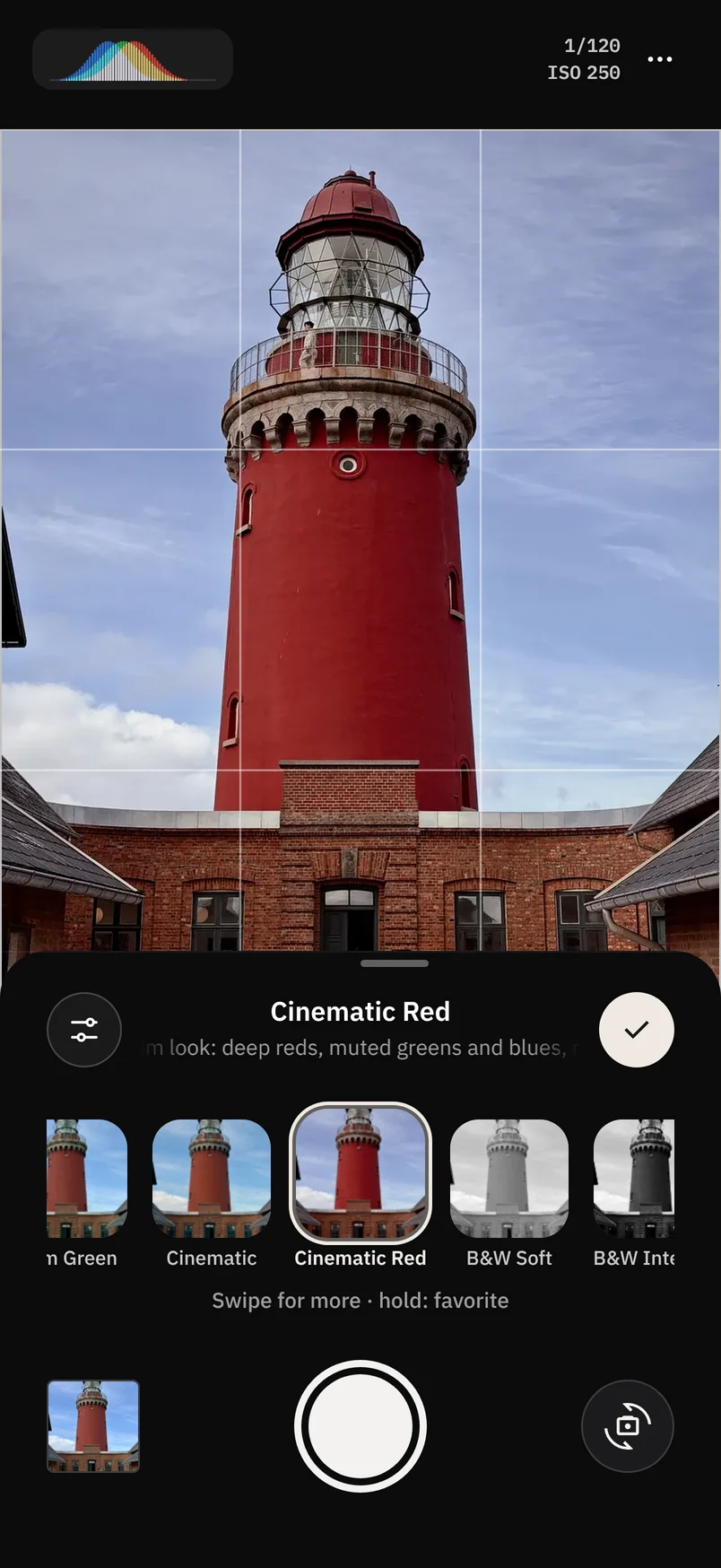
Pick a style
Swipe through the styles under the viewfinder and see each one live, including the ones you create. Double-tap your favourites to keep them close.
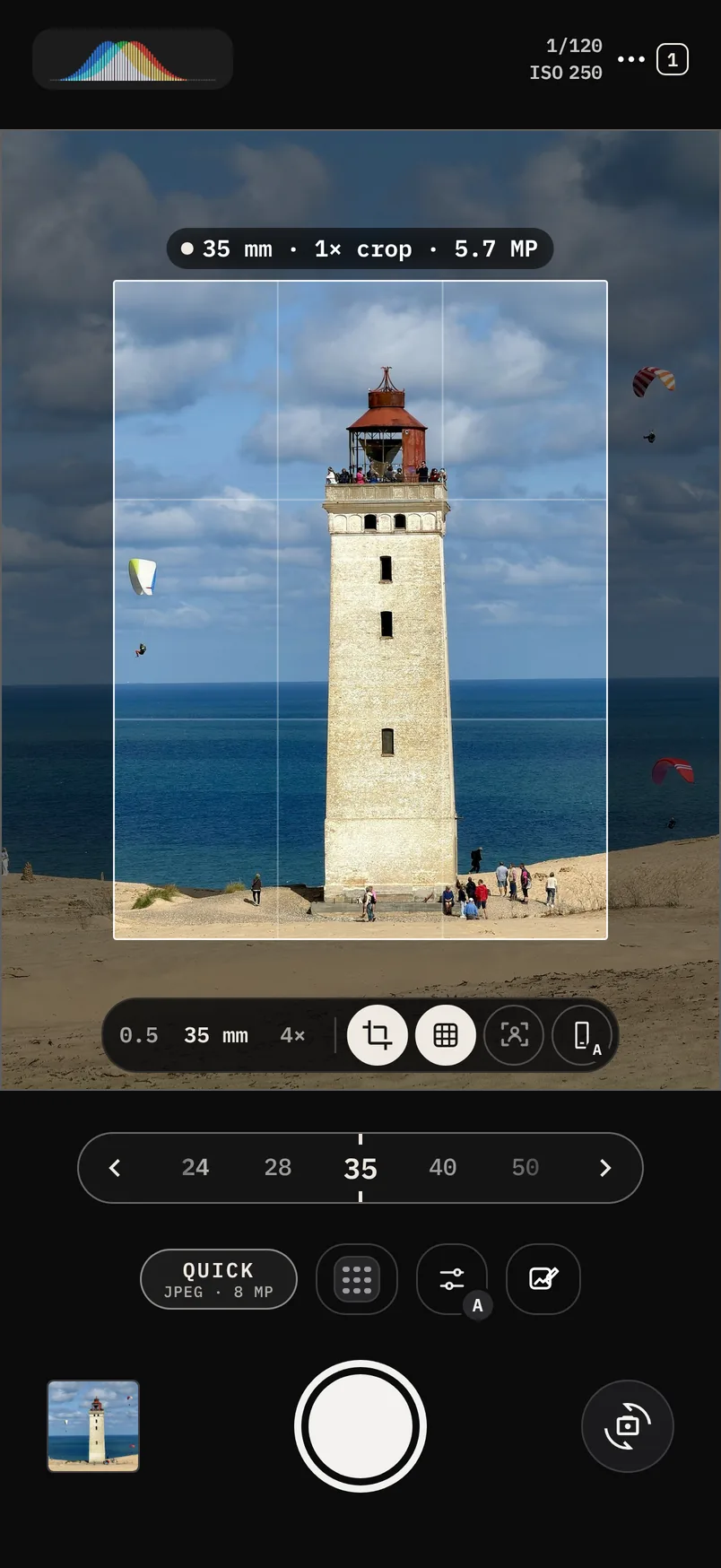
Choose the frame
Crop mode puts a classic focal length, from 13 to 200 mm, as a frame in the viewfinder. You see the shot before you take it.
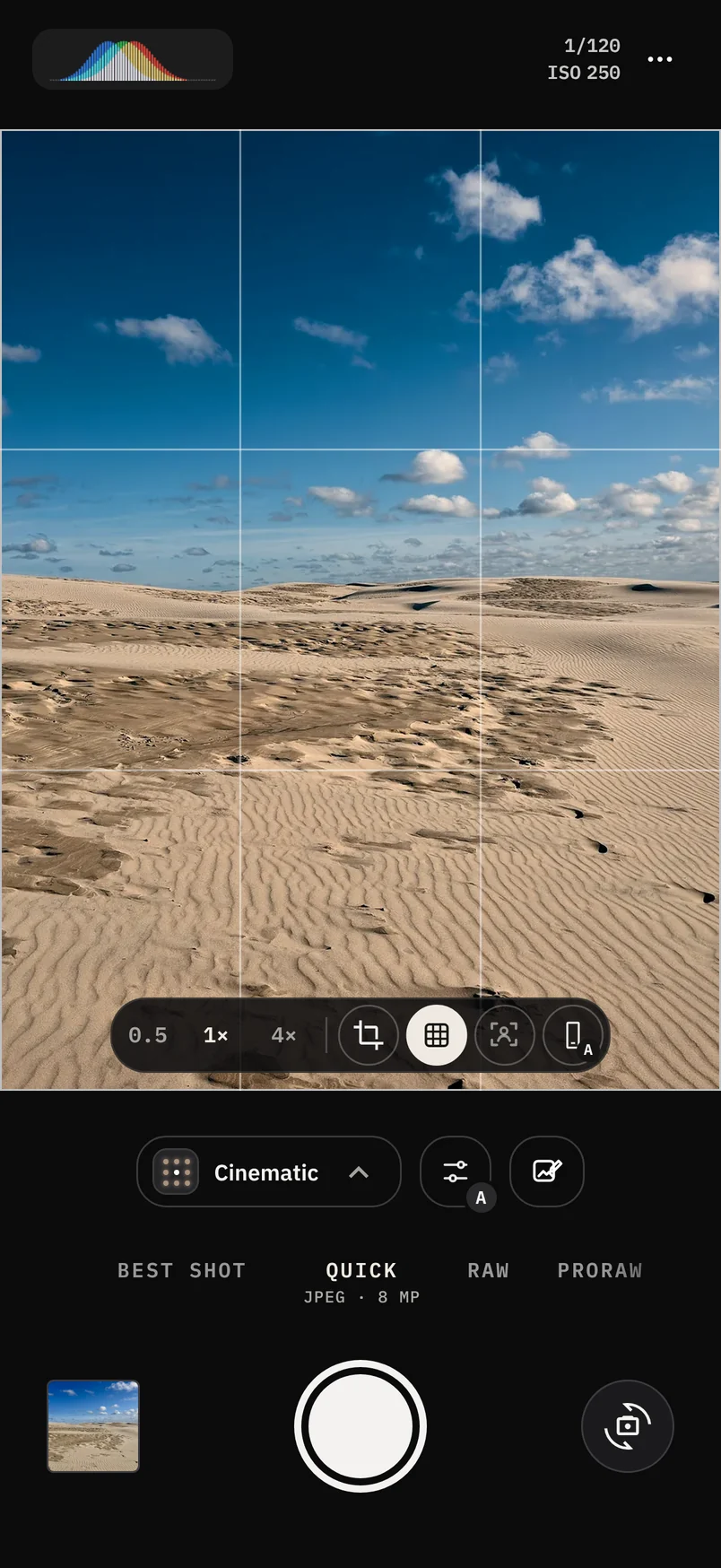
Shoot as usual
C Cam reads every frame: exposure, white balance, haze and skin. Then it fits the style to that light.
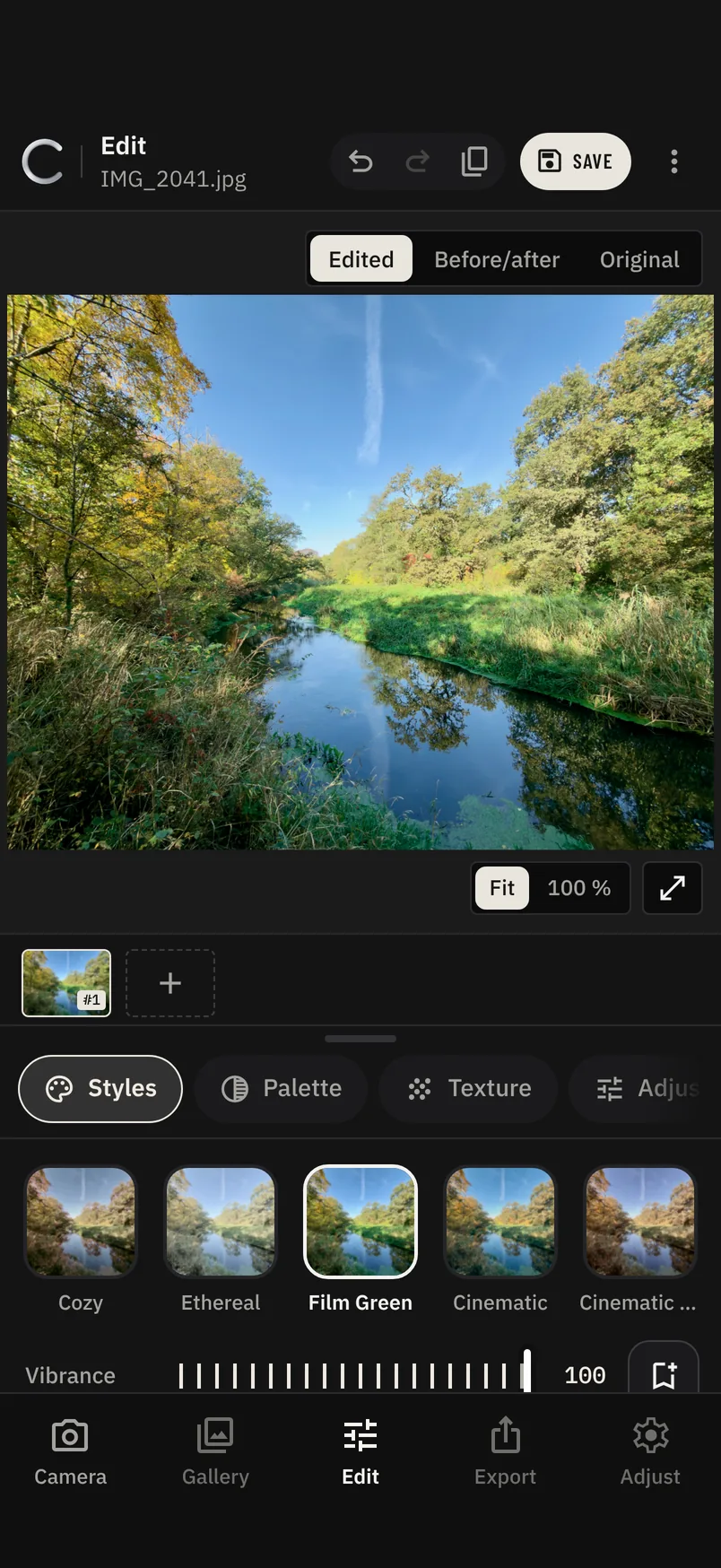
Fine-tune later
Change the style, its strength, light, colour and texture in the editor. The original is never touched.
Try every style.
Each style on the photo that suits it, all shot on iPhone 17. Choose Original, or press and hold the photo, to see it before C Cam.
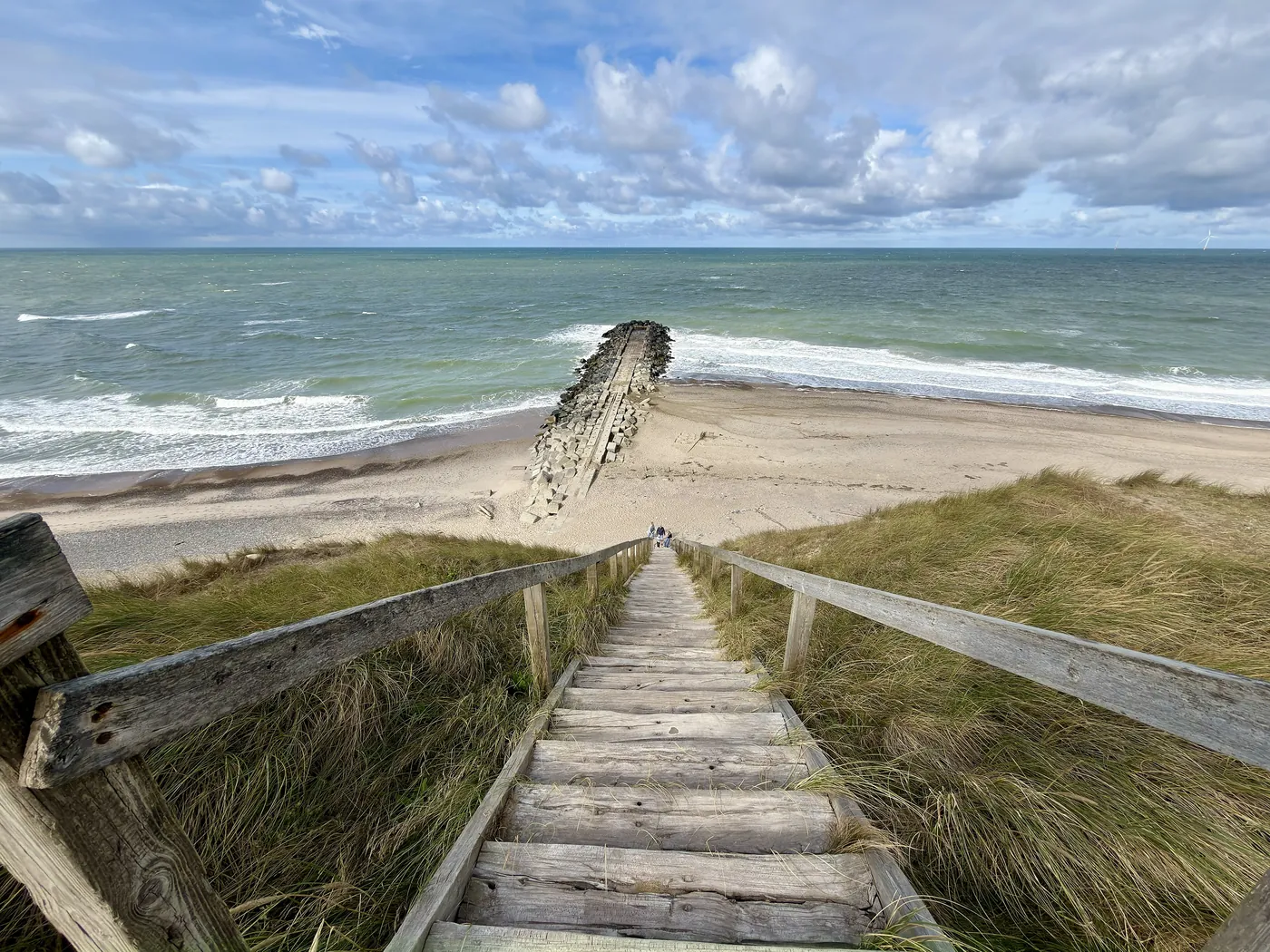
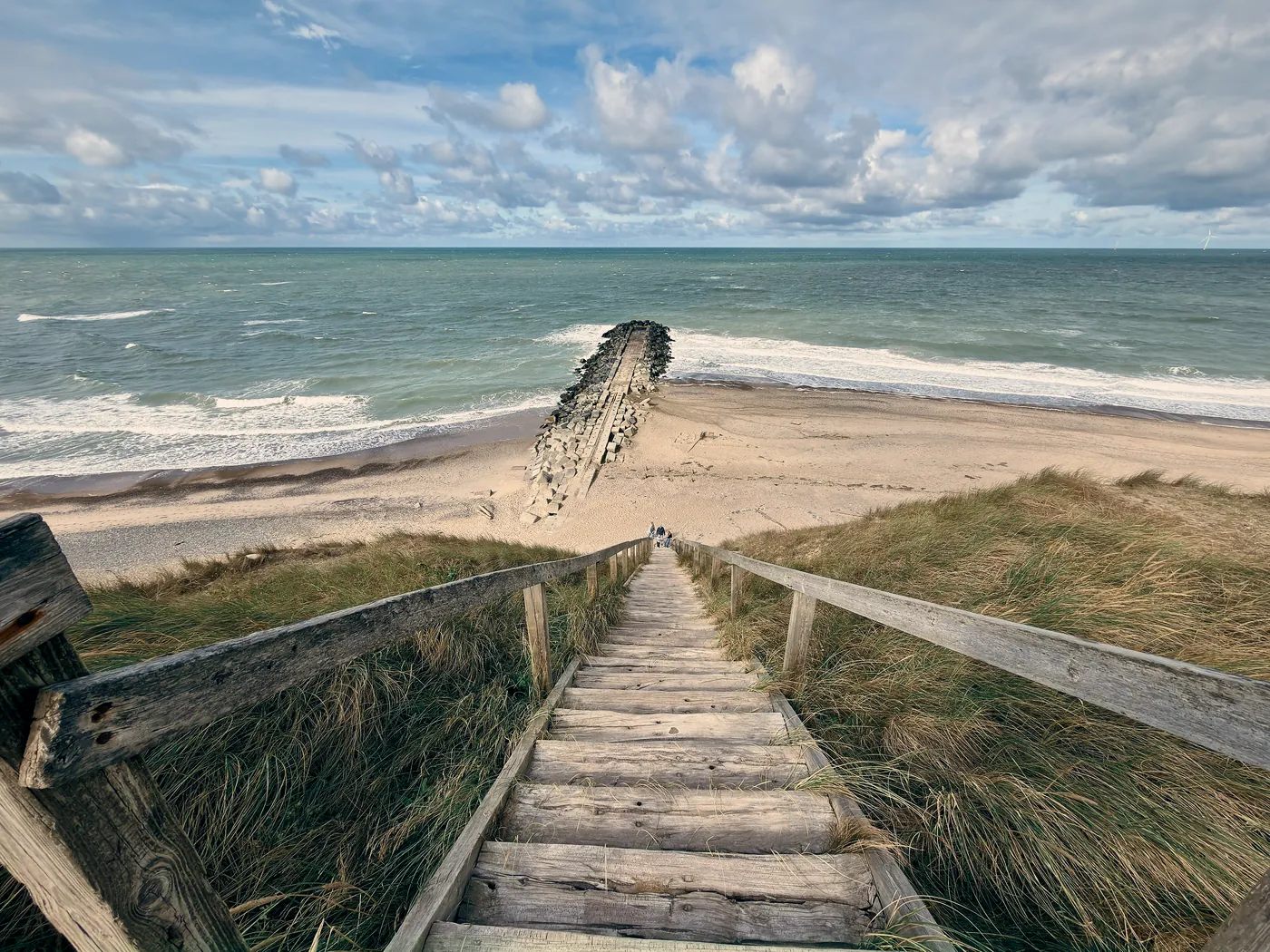 CinematicStairs to the beach, Denmark · iPhone 17 ProHold for the original
Cinematic. Orange skin and highlights, teal shadows and skies, softly lifted blacks, a touch more local contrast.
One style. Any light.
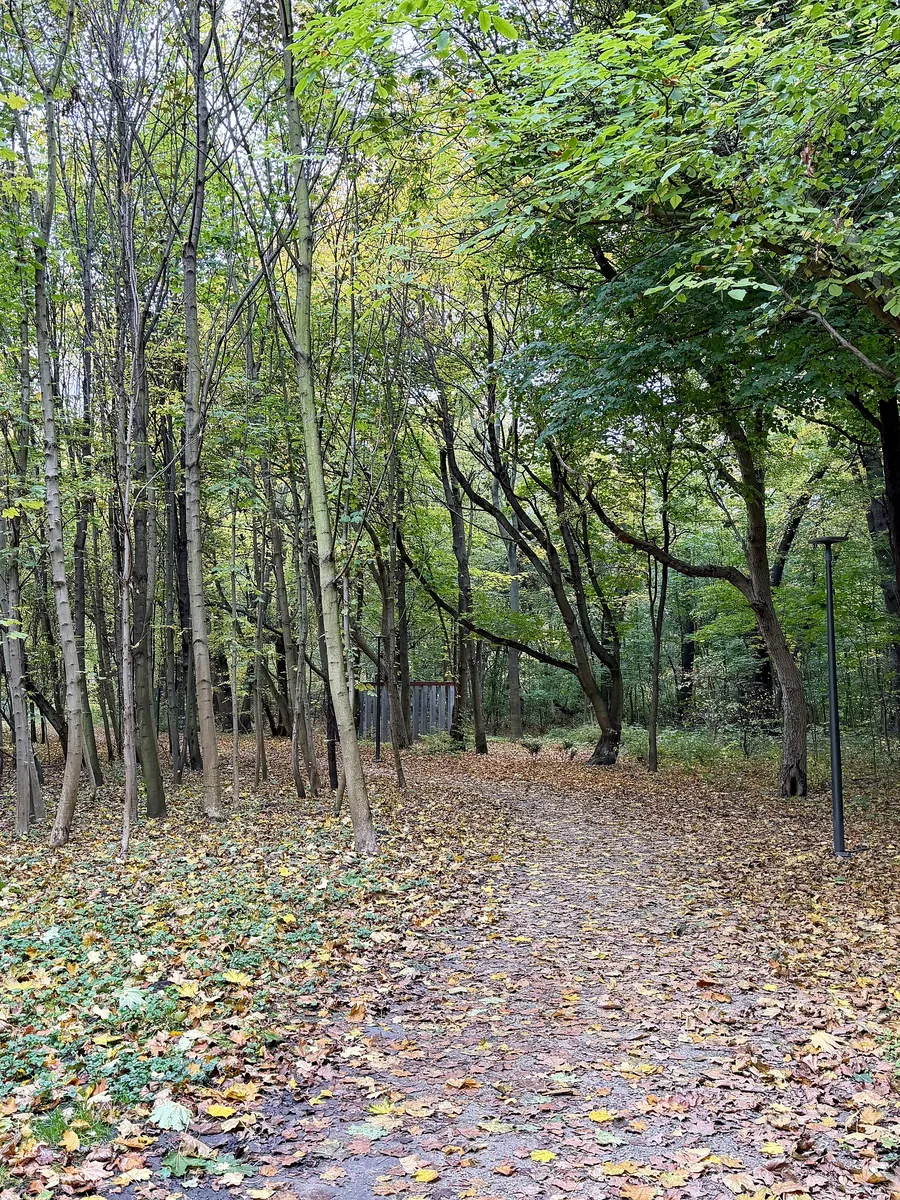
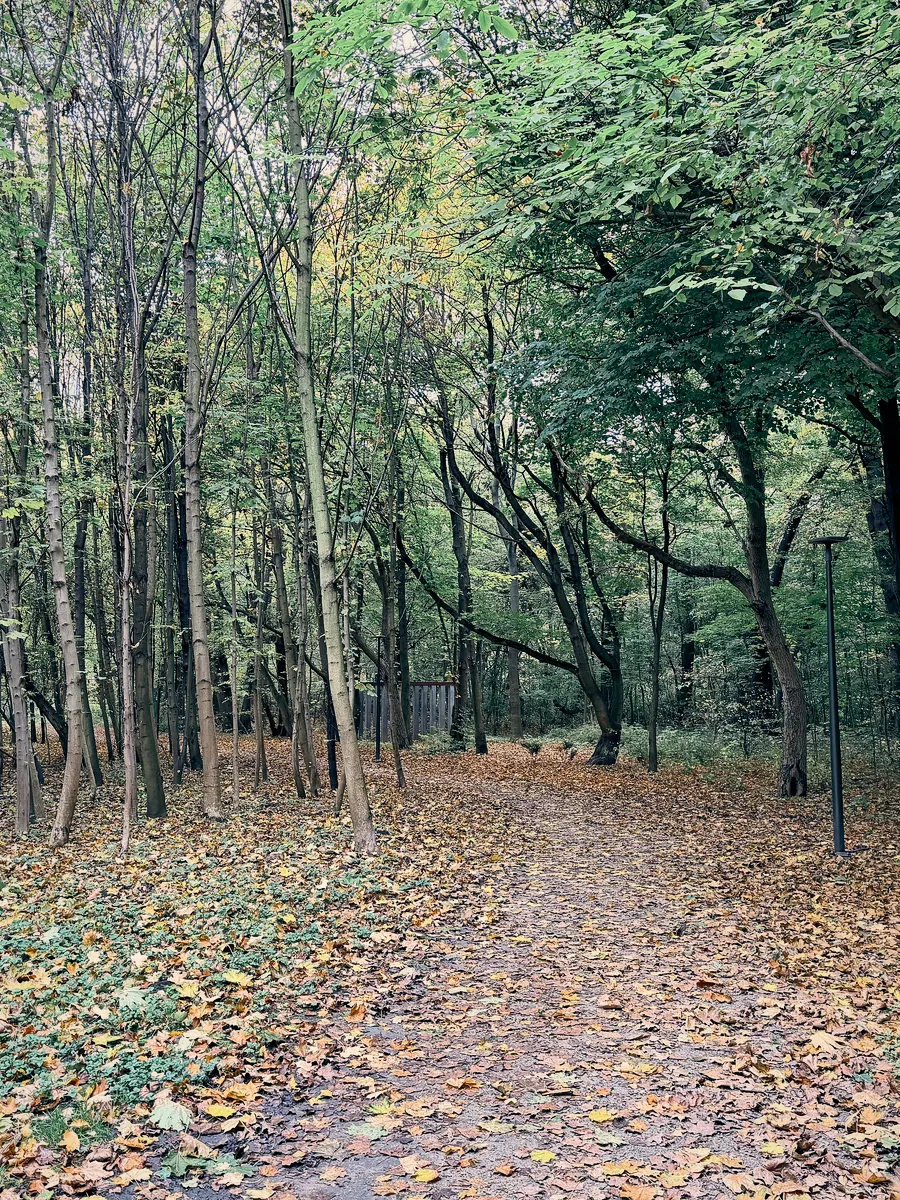
Most filters apply the same numbers to every picture, so the result swings with the scene. Here are four very different scenes with the same Cinematic style.






Pick a recipe. C Cam talks you into the shot.
Recipes are real iPhone photos turned into a few shapes: where the subject goes, the horizon, the angle and the lens. C Cam reads the phone’s tilt and asks for one thing at a time.
A camera, and an editor too.
Open any photo from your library, not only the ones you took with C Cam, give it a style and fine-tune it.
- Styles at any strengthThe built-in styles and your own, fitted to the light of that photo. Choose how strong each one is.
- Light and colourExposure, brilliance, highlights, shadows, contrast, warmth and more.
- Crop and straightenChange anything as often as you like. The original is never touched.
- As many styles as you wantSave your tweaks as a new style, copy one to start from, or create one from a photo whose look you love. There is no limit.
- Film and grainFilm stocks and real grain, checked at 100 %. See below.
Texture you can check at 100 %.
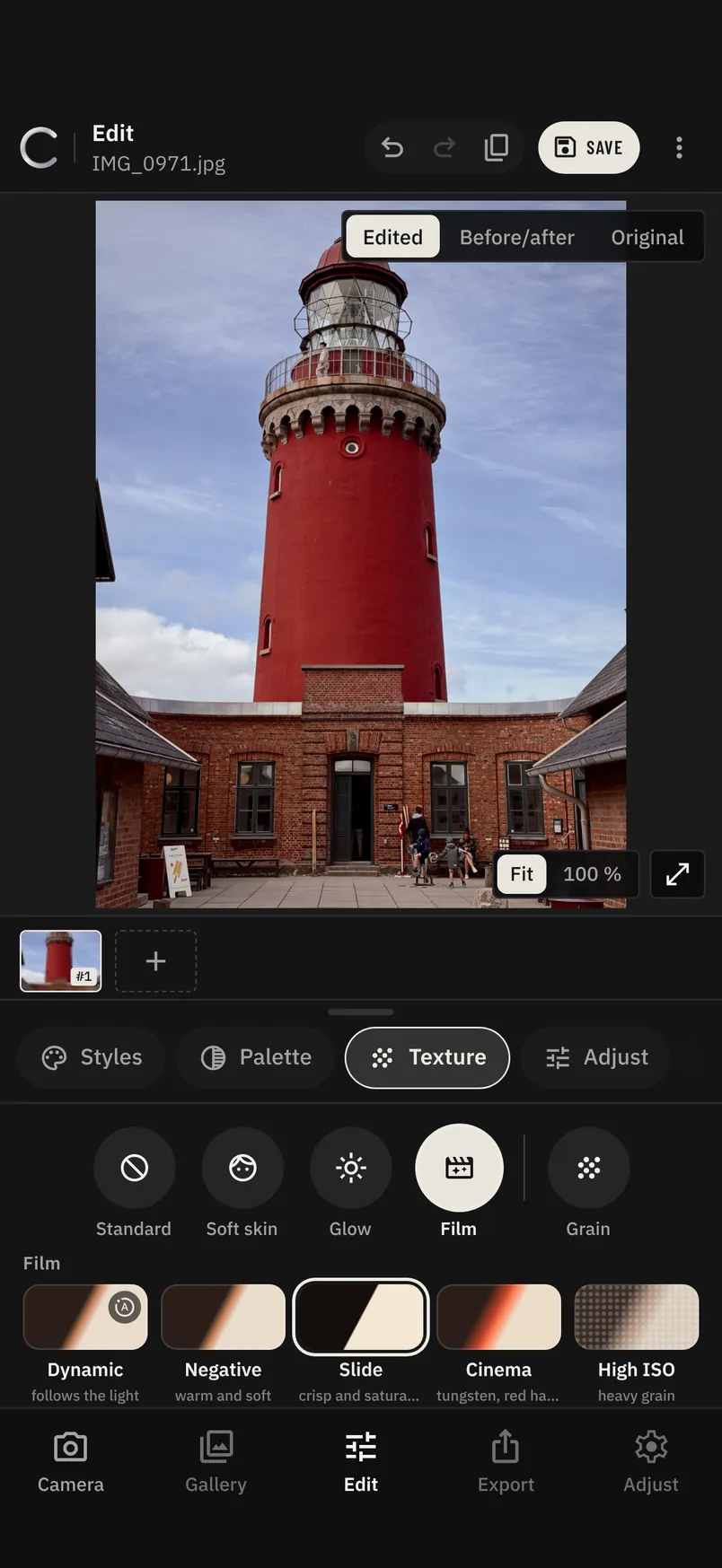
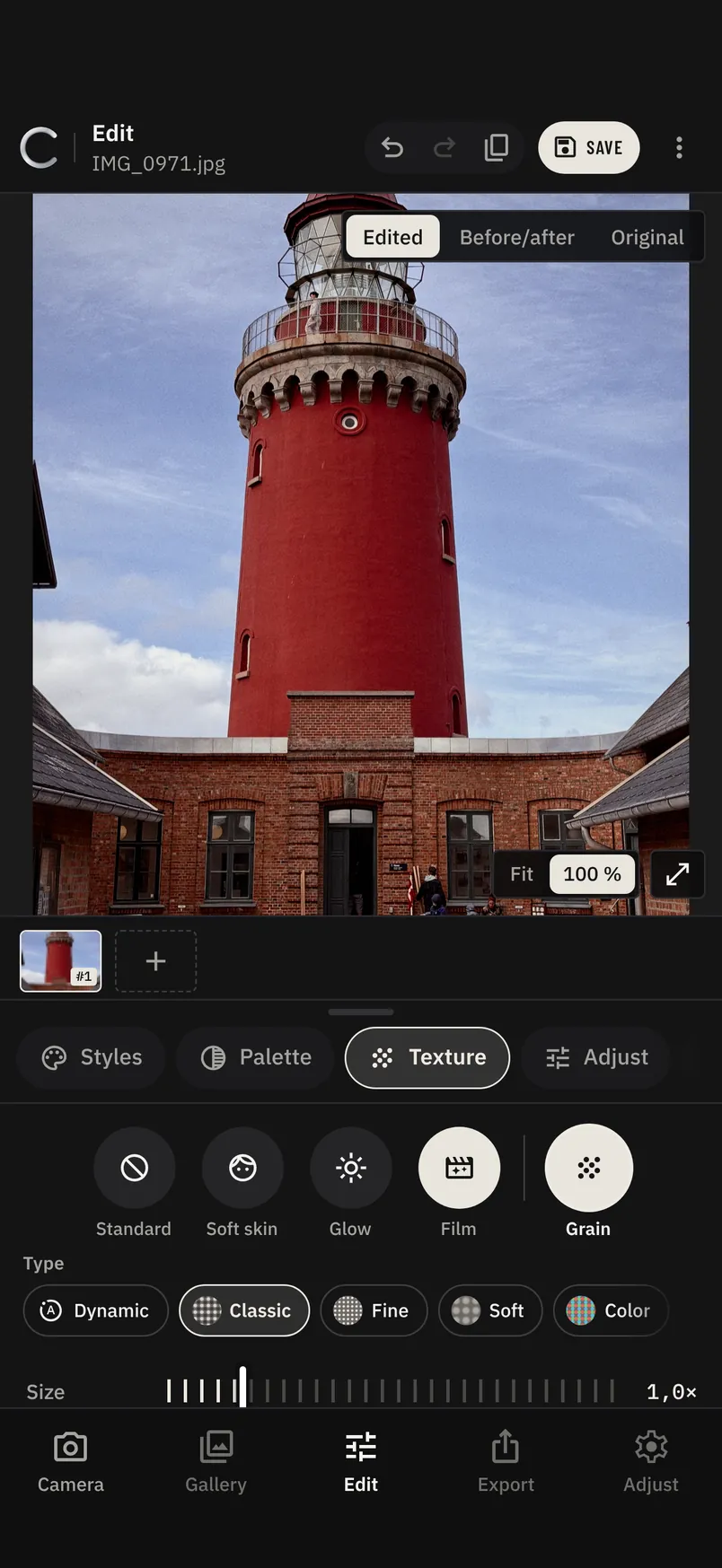
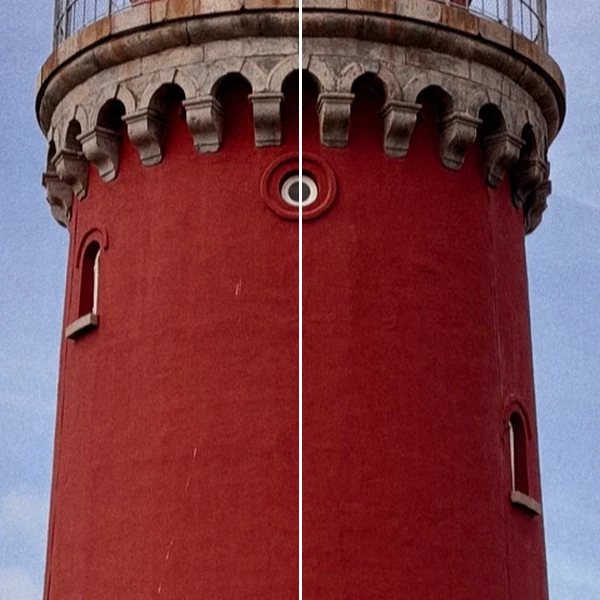
In the editor's Texture tab, give a photo a film stock and real grain, then zoom to 100 % to see it. Hold the button to compare without it.
Film
- DynamicPicks the stock from the light of the photo.
- NegativeWarm, soft roll-off in the highlights.
- SlideCrisp, saturated, deep blacks.
- CinemaTungsten balance with red halation.
- High ISOHeavy, gritty texture for night shots.
Grain
Size from fine to coarse. Dynamic grain gets finer in daylight and coarser at night.
Everything a camera app should do.
C Cam is built around the iPhone's own camera hardware, with a few tricks of its own.
- Palm shutter
- Show an open hand to the camera and C Cam takes the photo two seconds later. No timer to set, no need to touch the iPhone.
- Night
- Stacks several frames and cleans the noise on the iPhone, for low-light photos that stay sharp and natural.
- Portrait
- Estimates depth from a single photo and blurs the background, with clean edges around hair.
- RAW and ProRAW
- Shoot RAW when you want every bit of data. C Cam develops it with your style.
- Every lens
- Ultra Wide, Wide and Telephoto, with the style live in the viewfinder on each of them.
- Simple permissions
- C Cam only asks for the camera and your photos.
Coming to the App Store.
C Cam is being tested with a small group on TestFlight. Questions, ideas or something that isn’t working? Write to us and we’ll answer by email.
Or email [email protected]